
An AI receptionist answers every inbound call 24/7, qualifies leads, books appointments, and routes emergencies. Here is what it actually does, what it costs, and whether your business needs one.
An AI receptionist is not valuable because it says hello.
It is valuable if it stops good callers from disappearing.
That is the simplest way to think about it.
Service businesses do not usually lose money because nobody knows how to answer a phone. They lose money because the phone rings at the wrong time, the person who normally answers is busy, the caller does not leave a voicemail, the form waits until morning, or the lead gets returned after the buyer already booked someone else.
An AI receptionist is a coverage and intake layer for those moments.
It answers calls, asks basic questions, captures details, identifies urgency, routes the caller, and gives the team a clean summary.
When installed well, it does not replace the human parts of the business.
It protects the human team from missing the first moment of buyer intent.
The practical Definition
An AI receptionist is a voice-based system that can answer inbound calls and handle the first layer of conversation.
For a service business, that usually means:
- Greeting the caller.
- Asking what they need.
- Capturing name and contact details.
- Identifying service type.
- Checking location or service area.
- Asking about urgency.
- Routing emergencies.
- Sending summaries to the team.
- Creating a record or task.
- Booking, requesting callback, or triggering follow-up when appropriate.
The best version is not just a talking phone menu.
It is a front-door workflow.
The caller should feel heard, and the team should receive useful information.
What It Is Not
An AI receptionist is not a magic employee.
It should not be sold as a replacement for every front desk task.
A strong human receptionist may handle billing questions, customer emotion, scheduling exceptions, office coordination, staff communication, judgment calls, and hundreds of small decisions that do not fit neatly into a script.
AI is not automatically better at those things.
Where AI is useful is the repeatable first layer:
- Answer when nobody else can.
- Collect basic details.
- Separate urgent from routine.
- Stop voicemail from becoming the default.
- Make sure the lead is not lost before a human sees it.
That is still valuable.
But it is a different promise than "replace your receptionist."
When It Works Best
AI receptionists work best when the first layer of the call is predictable enough to structure.
That does not mean every caller says the same thing. It means the business knows what information it needs before deciding the next step.
Good fits include:
- Home service calls.
- Appointment requests.
- Emergency triage.
- Estimate requests.
- Overflow calls.
- After-hours intake.
- New patient or client inquiries.
- Basic qualification.
- Callback requests.
These situations have a pattern. The caller needs help. The business needs details. The system can collect enough information to route the next step.
AI works less well when every call requires complex judgment from the first sentence.
That is why setup matters. The goal is not to make the AI sound clever. The goal is to make it useful inside the real call patterns of the business.
Why Service Businesses Use AI Receptionists
The main reason is coverage.
Small teams cannot answer everything.
Calls arrive during jobs, lunch, meetings, school pickup, after hours, weekends, and peak-season rushes. If the front desk is already on a call, the next caller may hit voicemail. If the owner is in the field, the call may wait. If the office is closed, the buyer may move to a competitor.
AI receptionists help by keeping the first layer open.
This matters because many service buyers are not patient.
They are usually trying to solve a problem:
- The furnace stopped working.
- The sink is leaking.
- The garage door will not close.
- A tooth hurts.
- A consultation needs to be booked.
- A property manager needs a vendor.
- A homeowner wants an estimate.
When the call is answered and the next step is clear, the business feels available.
When it rings out, the buyer keeps looking.
When It Is A Bad Fit
An AI receptionist is a bad fit if the business wants to avoid defining its own process.
The system needs rules.
If nobody can answer what counts as urgent, which areas are served, which services are offered, who receives escalations, or what should happen after a qualified call, the AI will not save the workflow.
It can also be a bad fit when the business has highly sensitive calls and no clear handoff. In those cases, the AI may still help with greeting and routing, but it should not try to handle the substance.
Finally, it is a bad fit if the owner expects automation to compensate for poor service.
If calls are captured but the team never follows up, the leak has only moved.
A Typical Call Flow
Here is a normal flow for a service business.
A caller phones after 5 p.m. The AI receptionist answers and asks how it can help. The caller says they need a quote for a leaking water heater.
The system asks for name, phone number, address or service area, whether water is actively leaking, and whether this is an emergency.
If it is urgent, the system alerts the right person.
If it is routine, it creates a callback task, sends a summary to the team, and confirms with the caller that someone will follow up.
The next morning, the team does not start with a vague voicemail.
They start with:
"New lead. Water heater quote. Homeowner in service area. Not active flooding. Requested callback before noon. Phone number captured."
That is the difference.
The AI did not close the job.
It kept the opportunity alive.
A Typical Missed-Call Recovery Flow
The missed-call flow matters because many callers do not leave voicemail.
A practical recovery sequence might look like this:
- Caller rings and hangs up.
- System sends a quick text: "Sorry we missed you. What can we help with?"
- Caller replies with the issue.
- System asks one or two qualifying questions.
- Team receives the summary.
- Urgent calls escalate.
- Routine calls become callback tasks.
This is not as good as answering the original call, but it is much better than losing the caller completely.
For many service businesses, no-voicemail hangups are one of the biggest hidden leaks. Missed-call recovery gives the business a second chance while intent is still warm.
What It Should Ask
The questions should be specific to the business.
For most service businesses, the intake should include:
- What service do you need?
- Are you a new or existing customer?
- Where are you located?
- Is this urgent?
- When did the issue start?
- Do you need emergency help or a scheduled appointment?
- What is the best callback number?
- Is there anything the team should know before calling?
For high-ticket or consultative businesses, it may also ask about timeline, project type, budget range, or decision stage.
For healthcare or sensitive categories, the system should stay within safe boundaries and route anything clinical, legal, or high-risk to humans.
The intake should feel useful, not nosy.
What The Caller Experience Should Feel Like
The caller experience should feel simple.
The caller should not be forced through a maze. They should not hear a long sales pitch. They should not have to repeat themselves three times. They should not feel tricked.
A good AI receptionist experience is usually:
- Short greeting.
- Clear question.
- Useful intake.
- Confirmation of what happens next.
- Human escalation when needed.
The system should be honest about what it can do.
If a human will call back, say that. If the call is being routed, say that. If the business is closed but can capture details, make the next step clear.
Trust is more important than pretending the AI can do everything.
Where It Fits In The Business
An AI receptionist can sit in a few places.
It can answer every call.
It can answer only overflow calls.
It can answer after hours.
It can handle missed-call recovery.
It can route specific numbers or campaigns.
The right setup depends on the leak.
If the team answers well during business hours but misses after-hours calls, start there.
If the biggest issue is overflow during peak season, start there.
If the owner is drowning in low-fit calls, use qualification and routing.
If the problem is no-voicemail hangups, add missed-call text recovery.
Do not install AI everywhere just because you can.
Install it where the front door is failing.
How To Test Before Going Live
Do not launch an AI receptionist without testing real scenarios.
Call it like a real buyer would.
Test:
- A routine inquiry.
- An urgent call.
- A bad-fit service request.
- An out-of-area caller.
- A repeat customer.
- A confused caller.
- A caller who changes their mind.
- A caller who asks for pricing.
- A caller who needs a human.
Then read the summaries.
Would your team know what to do next? Would the caller feel respected? Did the system route urgent calls correctly? Did it avoid making promises it should not make?
This testing is where good implementations separate from shiny demos.
AI Receptionist Versus Answering Service
An answering service gives you humans answering calls on your behalf.
That can be useful, especially for sensitive or complex categories.
But traditional answering services often depend on scripts, message taking, and handoff quality. Some are excellent. Some create delays or shallow notes.
An AI receptionist is more consistent and can run 24/7 without shift coverage, but it may need clearer boundaries and escalation rules.
The question is not which one is universally better.
The question is which one fits the leak.
If you need human warmth on every call, an answering service may fit.
If you need overflow coverage, after-hours intake, qualification, and structured summaries, AI may be the better first layer.
Some businesses use both.
AI Receptionist Versus Hiring
Hiring is the right answer when the business needs a real person inside the operation.
If you need someone managing calendars, handling billing, coordinating with technicians, greeting walk-ins, managing office tasks, and using judgment all day, hire.
But hiring is expensive and does not automatically solve nights, weekends, lunch, sick days, vacations, or overflow.
An AI receptionist is often useful before or alongside hiring because it covers the gaps a single person cannot cover consistently.
For many small businesses, the honest comparison is not "AI versus receptionist."
It is "AI versus voicemail, owner interruption, and missed opportunities."
That is where the math often changes.
What It Costs To Ignore The Gap
If a business misses 30 calls a month and 10 are real buyers, the leak can become significant quickly.
If five of those buyers would have booked at $800 average job value, that is $4,000 per month in potential work.
Even if the estimate is rough, the direction is clear.
The cost is not the missed call itself.
The cost is the buyer who was ready enough to call and did not become a customer.
That is why AI receptionist pricing should be compared to the current leak, not just to another software subscription.
What A Good Setup Requires
The business still needs to define the rules.
The AI receptionist needs to know:
- Service areas.
- Services offered.
- Services not offered.
- Emergency criteria.
- Escalation contacts.
- Business hours.
- Booking rules.
- Bad-fit signals.
- Tone and boundaries.
If those rules are vague, the system will be vague.
This is why setup matters more than the demo.
A good demo shows the technology. A good implementation reflects the actual business.
Common Mistakes
The first mistake is using AI without clear escalation.
If a call is urgent, sensitive, angry, or high-value, the system needs a route.
The second mistake is making the AI ask too many questions.
Callers should not feel trapped in an interview.
The third mistake is failing to connect the call to follow-up.
If the AI answers but the team does not act, the leak moves from the phone to the workflow.
The fourth mistake is pretending AI should handle everything.
It should handle the first layer and hand off cleanly.
The First 30 Days After Launch
The first month should be watched closely.
Track the calls. Read the summaries. Listen to samples. Look for caller confusion. Check whether the team is following up. Adjust questions that create friction. Tighten escalation rules where needed.
A good AI receptionist should improve with real operating feedback.
Do not set it and forget it.
The best version becomes part of the weekly front-door review:
- How many calls did it answer?
- How many were qualified?
- How many were urgent?
- How many became booked work?
- Where did callers get stuck?
- What should be changed?
That is how AI becomes an operating system instead of a novelty.
FAQ
What is an AI receptionist?
An AI receptionist is a voice system that answers calls, collects caller details, identifies urgency, routes inquiries, and sends summaries or tasks to the business.
Can an AI receptionist book appointments?
Yes, if it is connected to the right scheduling workflow and the business has clear booking rules. Some businesses prefer the AI to request a callback instead of booking directly.
Is an AI receptionist good for after-hours calls?
Yes. After-hours coverage is one of the strongest use cases because the alternative is often voicemail, delayed callback, or owner burnout.
Will customers know it is AI?
They may, depending on the setup and disclosure. The more important question is whether the system is useful, respectful, and honest. Do not use AI to trick callers.
Can it replace my receptionist?
Sometimes it can reduce the need for extra coverage, but it should not be assumed to replace a strong receptionist who handles complex human and office tasks.
What should I measure?
Track missed calls, answered calls, after-hours leads, qualified opportunities, booked appointments, callback speed, and whether the team is receiving cleaner summaries.
Bottom Line
An AI receptionist is not a gimmick if it solves a real front-door problem.
It answers when the team cannot, captures details, identifies urgency, routes calls, and gives humans a cleaner place to start.
Used badly, it becomes another script between the buyer and the business.
Used well, it protects buyer intent before it disappears.
If you are considering one, do not start with the tool. Start with the leak. Look at missed calls, after-hours inquiries, overflow, and slow follow-up. Then decide where an AI receptionist belongs in the system.
Use your own records before you decide
Source: start with your call log, CRM notes, booking calendar, missed-call records, web form timestamps, and Google Business Profile. Those records show whether buyers reached you, how fast they heard back, what they asked for, and where the next step broke down.
For seven days, mark each missed call, late reply, unbooked form, stale estimate, and review request that never went out. That small sample gives an owner a practical picture of the front-door gap before they spend more on ads, software, or staff.
The loss estimate is basic business math, not a magic claim.
Revenue-leak examples on this site are built from visible operating inputs: inquiry volume, missed-call or slow-response rate, booking rate, average job or client value, repeat value, and follow-up recovery. The fastest way to make the number real is to run the diagnostic for your closest business type, then compare it against your own call log, CRM, booking calendar, form timestamps, and review activity.
Use this before you buy another tool.
Pull one recent week of calls, forms, chats, and booking requests. Mark every inquiry that waited, went unanswered, needed a manual reminder, or never reached a clear next step. That simple review shows whether the problem is demand, staffing, or the front-door system.
If those answers are hard to find, that is the first issue to fix. The Quiet Protocol installs the system that answers faster, routes cleaner, books more of the right demand, requests reviews, and keeps follow-up from depending on memory.

Vikram Roy is the founder of The Quiet Protocol, a Toronto-based AI systems firm serving service businesses across the Greater Toronto Area, Canada, and the United States. He works directly with home service companies, dental practices, clinics, and local businesses to install AI operating systems that capture more leads, reduce no-shows, grow reviews, and recover revenue without adding manual overhead. All content is written from Toronto, Ontario. Connect on LinkedIn →
See the system page tied most closely to the problem this article is diagnosing.
Service BusinessesOpen the industry path where this revenue leak is framed in operational terms.
Run Revenue Leak DiagnosticQuantify the leak before you decide what type of system needs to be installed.
Call the AI Receptionist DemoHear the receptionist live, give it your business context, and test a short caller roleplay before you book.
Results & ProofReview what the system changes once the front door is rebuilt around response and continuity.

What AI Cannot Do for Your Service Business (And Why That Actually Makes the Case Stronger)
Every AI vendor oversells what their system can do. Here is an honest breakdown of what AI voice intake genuinely cannot handle, and why knowing the limits is how you deploy it right.
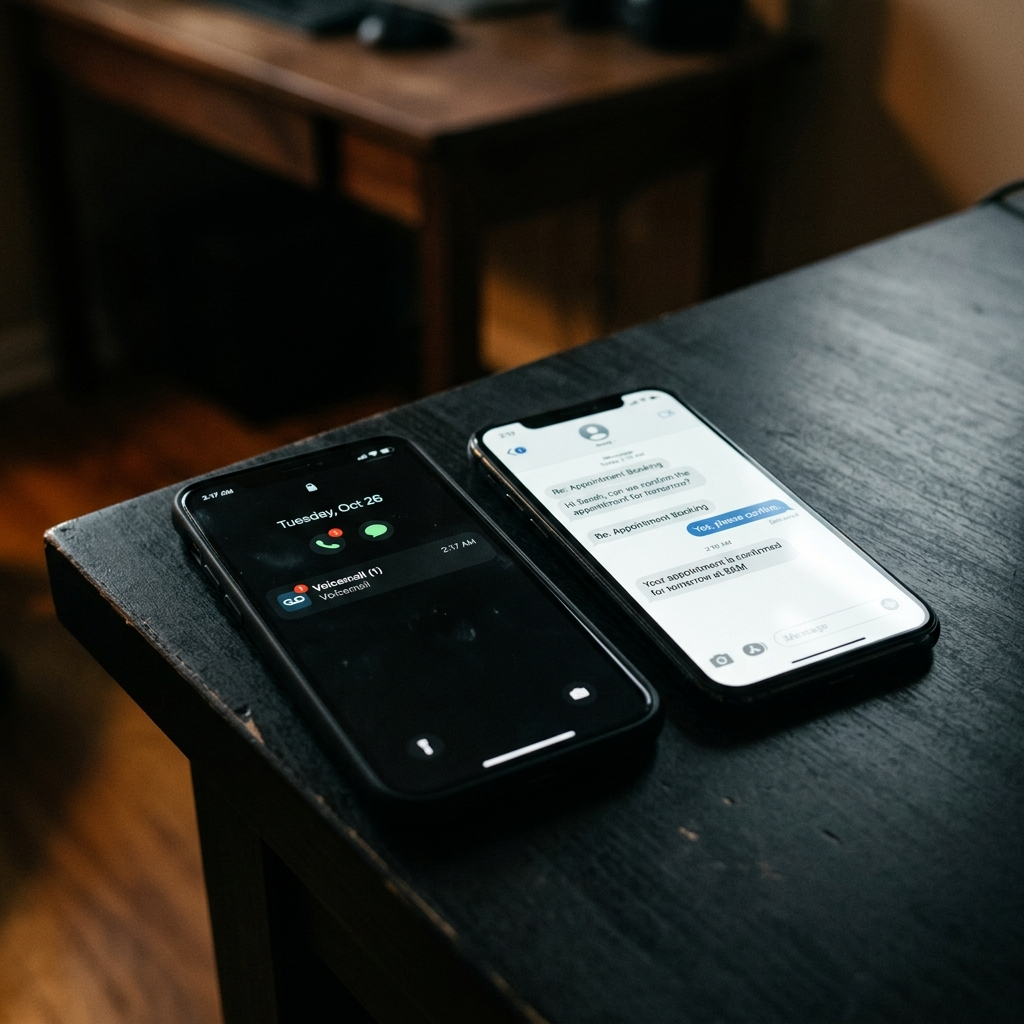
AI Receptionist vs. Answering Service: Why Message-Taking Is Not Enough
Traditional answering services take a message and promise a callback. That model fails when the caller needs a response in under 5 minutes. Here is how AI voice intake compares to a live answering service.
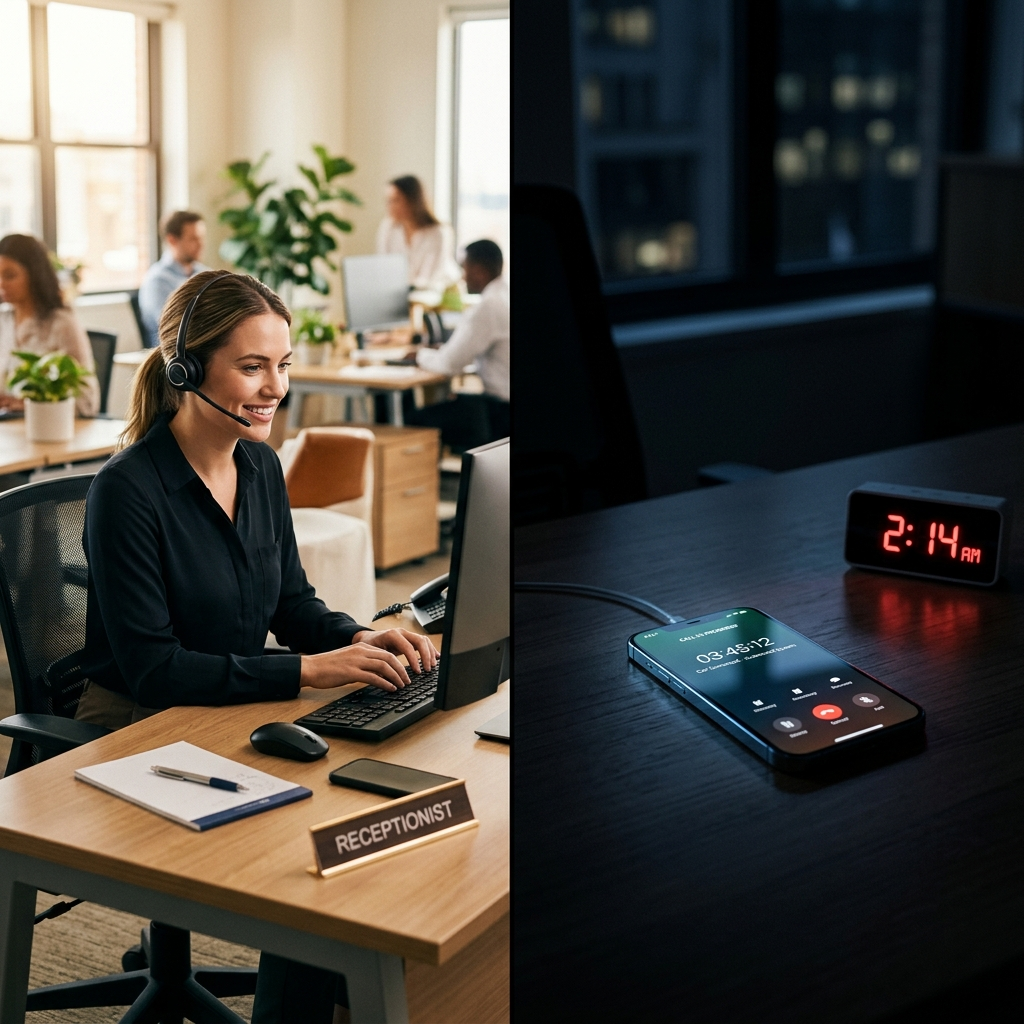
AI Receptionist vs. Hiring a Receptionist: The Real Cost Comparison for Service Businesses
Hiring a full-time receptionist costs $38,000 to $52,000 per year and still leaves overnight and weekend calls unanswered. Here is the honest cost and capability comparison for service business owners.
Calculate the revenue leak.
Stop guessing. See how much demand your business may be losing through missed calls, slow replies, weak booking, review gaps, and follow-up drag, then decide whether AI Receptionists & Intake Agents is the right system path.
Run the calculationPrefer to hear it first?
Call the live AI receptionist and test the conversation.
Call the live AI receptionist anytime. Tell it about service businesses, then hear a short live roleplay based on the calls your front desk actually gets.