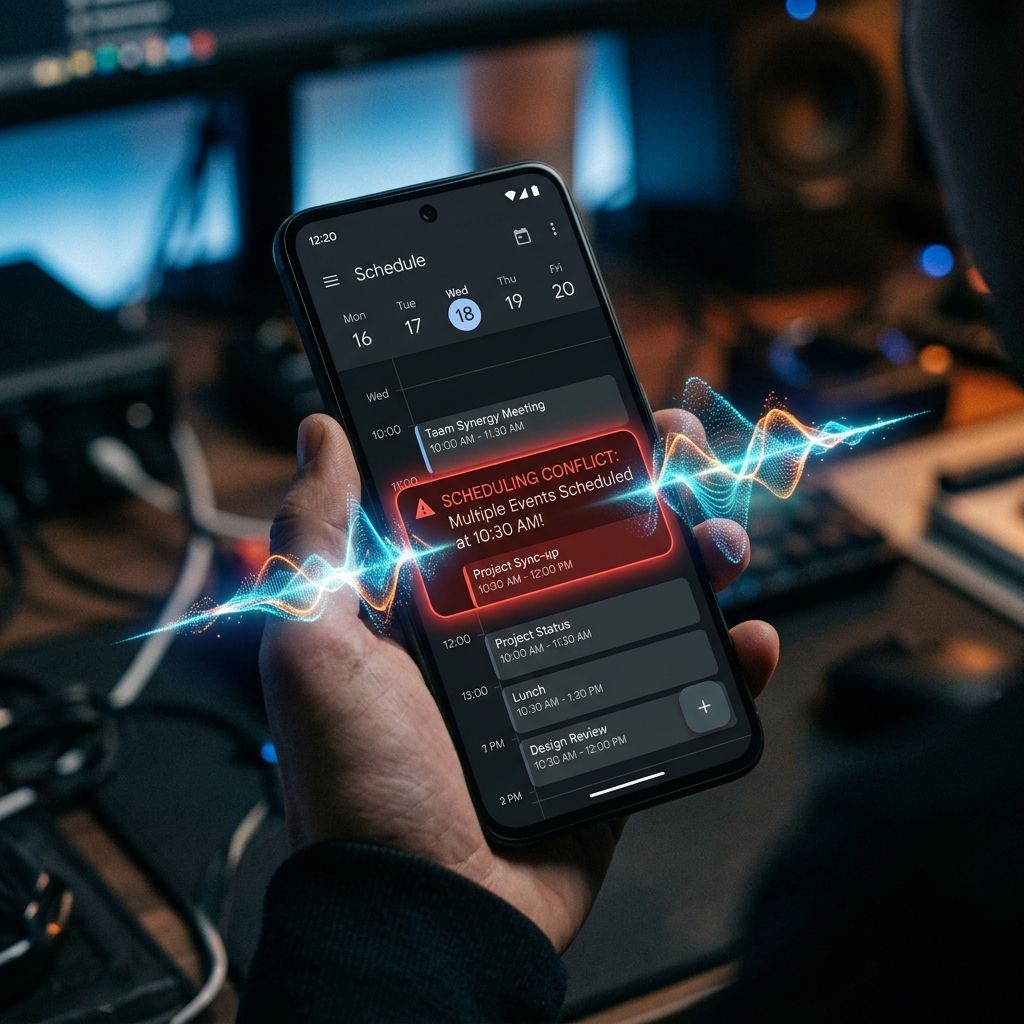

AI receptionist booking errors become a revenue and trust problem when a service business lets wrong times, wrong services, or wrong addresses flow into the calendar without a human checkpoint.
Treat any number without a nearby source or stated method as a planning assumption, then replace it with your own records.
I want to answer this honestly, because nobody else is.
Every AI receptionist vendor has a version of this question they prefer not to answer directly. They'll tell you about accuracy rates. They'll show you demos. They'll describe the technology in a way that makes error feel like a theoretical edge case.
I'm going to tell you what actually happens. The error taxonomy. The real rates. The recovery protocols. And then I'm going to make the comparative argument, because it's the argument that actually holds up under scrutiny.
But I'm not starting there. I'm starting with what goes wrong.
The Four Types of AI Booking Errors
After running over 200 Front Door Audits and working directly with voice AI deployments across HVAC, plumbing, pest control, cleaning, and specialty services, I've seen booking errors fall into four consistent categories.
Type 1: Time Slot Errors
The AI confirms a booking for a time that isn't actually available, either because the calendar wasn't synced properly, because a human technician just took the job manually, or because the AI misheard the customer's stated preference and confirmed the wrong slot.
These are the most common error type. In production deployments I've reviewed, time slot errors account for roughly 60-65% of AI booking mistakes.
The good news: they're also the most recoverable. SMS confirmation lands within 90 seconds of the booking. The customer sees the time, catches the discrepancy, and calls or texts back. Resolution time: typically under 10 minutes.
Type 2: Service Scope Errors
The AI books a standard cleaning when the customer described something that clearly required a specialty service. Or it captures "carpet cleaning" without documenting that the customer mentioned pet stains, which triggers a different pricing tier and a different prep protocol.
These errors matter more because they surface at the door. The technician arrives, the customer describes what they actually need, and now you're either doing work you didn't quote or you're having an uncomfortable pricing conversation at 9 AM on a Tuesday.
Service scope errors account for roughly 20-25% of AI booking mistakes in my experience.
Type 3: Address and Location Errors
The customer gives an address, the AI captures it, but something goes wrong in transcription. An apartment number gets dropped. A "Street" becomes an "Avenue." The city is wrong because the customer was booking for a rental property in a different zip code than their home.
These happen less often, maybe 8-10% of errors, but they're the most operationally disruptive. A technician driving to the wrong location wastes time and creates a customer service problem simultaneously.
Type 4: Duplicate and Double-Booking Errors
This one is specifically tied to CRM sync timing. If your AI system and your scheduling software aren't syncing in real time, if there's even a 30-90 second lag, two calls that come in simultaneously for the same slot can both get confirmed.
These are the rarest errors (2-3% of mistakes) but the ones that feel the worst. Two customers both show up or both expect a technician. Recovery requires apologizing to someone.
What Error Rates Actually Look Like
Here's the number I get asked for most often, and the number most vendors won't give you:
In a well-implemented voice AI deployment, meaning the AI is properly trained on your service menu, your calendar is synced in real time, and there's an SMS confirmation step, the booking error rate runs between 1.5% and 3.5% of total calls.
That means for every 100 calls the AI handles, 1.5 to 3.5 result in some form of booking discrepancy that requires correction.
That sounds concerning until you compare it to what I've measured on the human side.
I've done intake audits on businesses where a human receptionist was handling all inbound calls. When I traced errors, misentered addresses, wrong time slots, missed service details, the human error rate on intake was typically between 4% and 8%.
The difference is visibility.
When the AI makes an error, it's logged. There's a transcript. There's a timestamp. There's a call recording. You can audit every single mistake and trace it back to its root cause.
When your receptionist miskeys an address or confirms the wrong time, that error exists nowhere. It surfaces when the customer calls to ask where the technician is. At that point, nobody is tracing it back to the intake. It's just "the customer had an issue" and the underlying cause remains invisible, and unrepeated.
This is the counterintuitive part that takes most owners a moment to absorb.
The AI's errors look worse because they're measurable. The human's errors are invisible because nobody's measuring them.
How Errors Are Caught and Recovered
The recovery architecture matters as much as the error rate. Here's what a well-built deployment does at each stage.
Stage 1: SMS Confirmation (90 seconds post-booking)
Every AI booking should trigger an immediate SMS to the customer with the confirmed time, service, technician arrival window, and address. This alone catches 60-70% of errors before they become problems, the customer reads the confirmation, notices something wrong, and texts back.
This one step turns what would have been a technician sent to the wrong address into a 3-minute text correction.
Stage 2: CRM Sync and Owner Notification
The booking hits your CRM or scheduling software and generates an owner/dispatcher notification simultaneously. A human with context can catch service scope issues that the AI might not flag, a customer who mentioned "flood damage" shouldn't be in the standard cleaning queue.
Stage 3: Callback Protocol for Ambiguous Calls
Any call where the AI detects ambiguity, where confidence on a key field like address or service type is below a threshold, should trigger a callback flag rather than confirming the booking outright. The AI says: "Let me have someone from our team confirm the details with you within the next 15 minutes." That's not a failure. That's the system working correctly.
Stage 4: Pre-Appointment Reminder (24 hours and 2 hours out)
Automated reminders aren't just about reducing no-shows. They're a second confirmation moment where the customer validates the time and address. A wrong address caught at the reminder stage is still far cheaper than a technician dispatched to the wrong location.
The Liability Question
Business owners ask me directly: "If the AI screws up a booking, who's liable?"
The honest answer is: you are. You are always liable for the customer experience your business delivers, regardless of the tool that created the error.
What to check before you choose a fix
Before buying another answering service, chatbot, phone tree, or AI receptionist, look at the actual path a caller, website visitor, referral, past customer, or high-intent lead takes when they reach your business. The first question is not whether the tool sounds impressive. The first question is whether the buyer gets a clear next step while they still care. In service business operations, that usually means a fast answer, a useful question, a booked appointment or estimate path, and a follow-up record that does not rely on memory.
A strong system should make the business feel easier to choose. It should reduce the waiting, repeating, guessing, and manual chasing that make a buyer keep searching. If the current setup answers only during business hours, takes a message without qualifying intent, or leaves the follow-up to whoever remembers first, the problem is not only staffing. It is front-door design.
The week-one diagnostic
Run this review over the last seven days before making a decision. Pull the call log, website form submissions, chat history, booking calendar, CRM notes, missed-call list, and Google Business Profile activity. Do not start with opinions. Start with timestamps and outcomes. A small sample is enough to show whether the leak is response speed, qualification, booking friction, review weakness, or follow-up failure.
- Count every missed call and every call that lasted under 20 seconds. Those are often buyers who never became visible in the CRM.
- Count every form or chat that waited more than 10 minutes for a real next step. This is where high-intent demand starts cooling off.
- Mark every inquiry that needed a human callback before booking. That tells you whether the website is explaining the next step clearly enough.
- Review the last five reviews buyers can see publicly. Recency matters because buyers compare proof before they commit.
This is the source method for the article: use your own call log, CRM, booking calendar, form inbox, and Google Business Profile review activity. Public research can explain the pattern, but your own records show where money is escaping in this business.
Where the revenue usually leaks
The leak usually appears in one of four places. First, the buyer calls when the team is busy or closed. Second, the buyer reaches the business but is not qualified clearly enough to book. Third, the buyer receives a polite response but no firm next step. Fourth, the buyer finishes the job or visit but no review, referral, or reactivation path happens after the work is done. Each leak looks small by itself. Together, they decide whether marketing produces booked revenue or only more noise.
For a service business, the most valuable fix is the one that protects answered calls, booked appointments, stronger reviews, and follow-up. That is why what happens when the ai books the wrong time, wrong service, or wrong address? should be judged by business outcomes, not by novelty. A phone feature that sounds clever but does not improve booked appointments is not enough. A website widget that collects contact details but does not trigger follow-up is not enough. A review tool that asks once and disappears is not enough.
What a stronger system should do
A stronger front door answers quickly, asks the right questions, captures the reason for contact, separates urgent from routine demand, books when rules are clear, sends confirmations, updates the follow-up path, and asks for reviews after the work is done. The system should make the owner less dependent on heroic callbacks and make the buyer feel that the business is organized from the first touch.
The Quiet Protocol treats this as an operating system, not a single widget. Calls, web forms, missed-call text-back, appointment booking, CRM handoff, review requests, and reactivation all need to point in the same direction. When those pieces are connected, a service business can capture more demand without turning the team into a bigger manual call center.
How to judge whether it is working
Do not judge the system by how futuristic it feels on day one. Judge it by what changes in the business. Useful measurements include missed-call recovery rate, average response time, booked appointment rate, no-show recovery, review request volume, review recency, reactivated past-customer conversations, and the number of leads that have a clear next action in the CRM.
The best early sign is calm. Fewer loose callbacks. Fewer mystery leads. Fewer buyers waiting for a reply. More conversations with a clear status. That is what good automation should feel like to the owner and to the customer.
The loss estimate is basic business math, not a magic claim.
Revenue-leak examples on this site are built from visible operating inputs: inquiry volume, missed-call or slow-response rate, booking rate, average job or client value, repeat value, and follow-up recovery. The fastest way to make the number real is to run the diagnostic for your closest business type, then compare it against your own call log, CRM, booking calendar, form timestamps, and review activity.
The practical questions behind this decision.
Is this just a 24/7 answering service?
No. A traditional answering service usually takes a message. A properly designed AI receptionist and front-door system captures intent, qualifies the buyer, routes the request, books when possible, triggers follow-up, and supports reviews after the work is done. Message-taking is coverage. Revenue capture is a fuller operating path.
What should a service business fix first?
Fix the first place buyers disappear. For some businesses that is after-hours calls. For others it is slow website follow-up, weak booking logic, old leads, or stale reviews. The right first move comes from the seven-day diagnostic, not from guessing.
Will AI make the business feel less human?
Bad automation feels colder than a person. Good automation feels like the business is paying attention. It answers quickly, uses plain language, collects the right information, and hands the buyer to a human when judgment or empathy is needed. The goal is not to remove people. The goal is to stop making buyers wait for basic next steps.
How fast should we expect improvement?
The first lift should come from visibility and speed: fewer missed opportunities and cleaner routing. Deeper gains come after the system has enough real conversations to tune scripts, booking rules, follow-up timing, and review requests. Treat the first month as deployment and calibration, not a magic switch.
Connect one customer path before adding more disconnected tools.
The first useful system owns a defined journey from customer action to team handoff and follow-up.
See where a Smart Website, software plan, AI intake path, or Custom Business System fits before committing to a scope.
See how the capability in this article fits into a complete customer journey.
Service BusinessesSee the same decision through the language, buyer behavior, and operating reality of this industry.
Client Results & ProofInspect the starting condition, installation, measurement window, and outcome behind real client work.
Carpet Cleaning Businesses Win on Speed. Here's Why Your Intake Is the Bottleneck.
A carpet cleaning field guide to missed calls, same-day booking, dispatch notes, CRM handoff, and follow-up when speed decides the job.

Commercial Cleaning Companies Win Bids They Never Close. Here's the Leak.
How commercial cleaning companies can close more walkthroughs and bids with faster follow-up, cleaner CRM notes, proof, and renewal-ready communication.

The Formula That Tells You Whether Your Marketing Is Actually Working
A practical CAC, LTV, call conversion, and review-driven ROI guide for owners who need to know whether marketing is really working.