
The official AI Receptionist pricing page also describes month-to-month service and no setup fees. Pricing and inclusions can change, so verify the current quote, call allowance, overage, human involvement, integrations, phone requirements, and contract before purchase.
This article links to 7 external sources beside the claims they support.
Smith.ai is an AI-first receptionist product with testing tools, integrations, scheduling, routing, and optional human involvement. A custom intake system is a broader, business-specific journey that may connect phone, website, forms, booking, records, follow-up, and reporting. Choose Smith.ai when the main job is dependable phone reception within its published product. Choose a custom system when the problem crosses several channels or requires firm-specific logic. Use a layered model only when the handoff and shared record can be verified.
An outdated comparison treats Smith.ai as a simple call-answering tool and a custom system as the advanced alternative. That is no longer accurate. Smith.ai currently publishes an AI Receptionist with qualification, routing, scheduling, integrations, call summaries, analytics, testing tools, warm transfers, and plans that range from self-directed use to managed enterprise support.
The useful question is therefore not whether Smith.ai has AI, integrations, or managed service. It does. The question is whether the business needs a focused reception product or a broader customer journey that crosses phone, website, forms, calendars, records, follow-up, reviews, and reporting.
Compare the work that must be completed, not the number of features printed on two different sales pages.
What Smith.ai currently offers
Smith.ai's current offer is AI-first and can include human support. Buyers should distinguish the AI Receptionist product from Smith.ai's separate human virtual receptionist service because their pricing, operating model, and published boundaries differ.
AI reception is the primary product
Smith.ai's official AI Receptionist page describes 24/7 call answering, qualification, routing, scheduling, integrations, recordings, transcripts, summaries, analytics, and configurable call handling. This is materially more capable than a generic voice bot.
Quality Studio supports testing
Smith.ai publishes Quality Studio as a place to test scenarios and inspect an AI Quality Index before live callers depend on the receptionist. That is a meaningful operational feature because a professional firm should evaluate specific call paths, not only listen to a polished demonstration.
Warm transfers include context
Smith.ai's current warm-transfer description says the recipient receives a briefing and can accept or decline the call. Buyers should still test whether the transferred context, fallback path, and resulting record match the firm's actual operating needs.
Human involvement has more than one form
The AI Receptionist can involve Smith.ai's Live Agent Network for selected situations or add-ons. Smith.ai also sells a separate human virtual receptionist service with its own published plans. These are not interchangeable. Confirm which humans are involved, what triggers them, what they may do, and how their work is billed.
Published plans span self-directed and managed use
As reviewed on July 26, 2026, Smith.ai publishes a Free AI Receptionist plan with 25 calls per month, Pro starting at $150 per month, and Enterprise starting at $500 per month for 300 calls. Smith.ai describes Enterprise as including full-service setup, continuing optimization, custom prompts, custom integrations, multi-location support, and a dedicated manager.
The official AI Receptionist pricing page also describes month-to-month service and no setup fees. Pricing and inclusions can change, so verify the current quote, call allowance, overage, human involvement, integrations, phone requirements, and contract before purchase.
What a custom intake system is
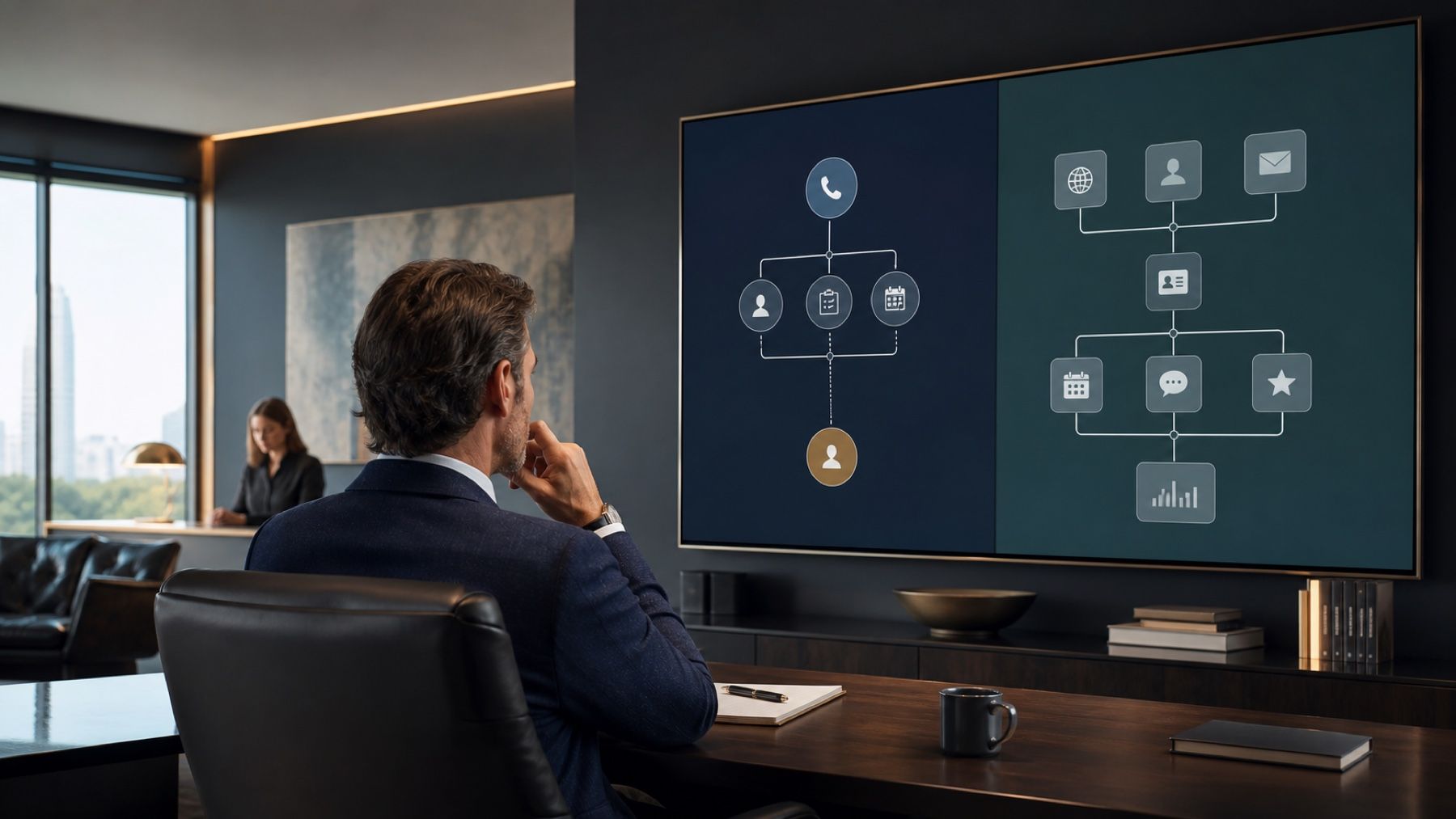
A custom intake system is not simply another AI receptionist with a different label. It is a scoped customer journey built around the firm's channels, approved actions, records, follow-up rules, proof requirements, and team handoffs.
It may begin before the phone rings
A prospect may first encounter a service page, comparison article, contact form, chat, booking path, or referral landing page. A broader intake system can keep the questions, qualification logic, calendar, and customer record consistent across those entry points.
It may continue after the call ends
The work can include confirmations, document requests, reminders, estimate follow-up, review requests, reactivation, or staff tasks. These capabilities are not automatically included in every custom engagement. They must appear in the written scope and acceptance criteria.
It is built around firm-specific logic
A CPA firm may distinguish recurring bookkeeping, tax planning, cleanup, payroll, and advisory inquiries. A law firm may screen practice area, jurisdiction, conflict information, urgency, and consultation fit. The purpose is to collect the right context and move each prospect to the right next step without forcing a senior employee to restart every conversation.
It requires explicit ownership
A broader system creates more responsibility, not less. Someone must approve the logic, protect sensitive information, test integrations, review exceptions, update services and calendars, and decide which changes belong inside the current scope.
The central difference is the purchased object
Smith.ai sells a defined receptionist product with published plans and supported capabilities. A custom intake system is a designed operating path with a statement of work. Both may use AI, humans, integrations, calendars, and automation. The distinction is what the buyer is purchasing and who owns the broader journey.
With Smith.ai, the product boundary is the starting point
- The buyer selects a published plan or receives an enterprise quote.
- Smith.ai operates the receptionist product and its service environment.
- Configuration and integrations work within current product capabilities.
- The buyer remains responsible for accurate instructions and internal follow-through.
With a custom system, the written scope is the starting point
- The buyer and implementer define channels, actions, records, and exceptions.
- The implementation may span several tools and customer touchpoints.
- Acceptance criteria determine what must work before launch.
- Continuing operation, monitoring, and changes need named ownership.
A layered model combines purchased objects
- Smith.ai may own a focused phone-reception layer.
- A broader system may own web intake, records, follow-up, and reporting.
- The integration must preserve context and a clear final disposition.
- Each defect must have one accountable owner.
Where Smith.ai may be the stronger fit
The primary problem is phone reception
If the business mainly needs dependable answering, qualification, scheduling, routing, summaries, and transfers, Smith.ai offers a focused product with public pricing and a comparatively direct path to evaluation.
The current product already covers the required actions
A buyer should not commission a broader system merely because customization sounds more advanced. If Smith.ai can demonstrate the required call types, calendar actions, integrations, transfers, and records, the specialized product may be the simpler purchase.
A standard launch is more valuable than a larger redesign
An established firm may have a credible website, usable forms, reliable follow-up, and clear internal ownership. In that case, the highest-value repair may be focused reception coverage rather than a new customer-journey architecture.
The buyer prefers a vendor-operated service
Smith.ai's Enterprise offer includes managed setup and continuing optimization. A firm that wants one vendor accountable for the reception product may prefer that boundary over coordinating a broader custom implementation.
Where a custom intake system may be the stronger fit
The problem crosses phone and web
If prospects arrive through calls, long service menus, multiple forms, chat, booking pages, referrals, and email, fixing only the phone path may leave the main intake problem intact.
The next action depends on detailed business context
Firms with several services, locations, professional roles, qualification thresholds, document requirements, or conditional calendars may need logic that is designed around the whole journey rather than fitted into one reception product.
Follow-up is part of the failure
A receptionist can complete the first interaction while the opportunity still dies later. If estimates go quiet, consultations are not confirmed, documents are not collected, or staff cannot see the next task, the repair belongs beyond answering.
The firm wants one designed record of the journey
A custom system may connect the initial source, conversation, qualification, booking, owner, status, follow-up, and final disposition. That benefit exists only if the integrations are tested and the team actually uses the shared record.
When a layered model deserves consideration
A layered model can use Smith.ai for the phone-reception job while a broader system handles website intake, shared records, follow-up, reviews, and reporting. The combination is useful only when it removes friction rather than creating two disconnected operating environments.
Define the seam before signing
Write down where Smith.ai's responsibility ends and the broader system begins. Specify the fields that move, the event that triggers the handoff, the fallback when an integration fails, and the person who owns unresolved records.
Test the exact integration
A logo on an integrations page does not prove that the required data and action will move correctly. Test the actual destination, field mapping, appointment, tag, owner, note, recording, and follow-up trigger before assuming the layered model works.
Keep one customer history
The caller should not have to repeat the story, and the team should not have to search several inboxes. A useful layered design produces one accessible history and one responsible next step.
Compare cost under the same workload
Published monthly prices are useful, but they are not a complete comparison. Hold call volume, required actions, channels, integrations, exceptions, human involvement, internal labor, and ongoing changes constant.
Smith.ai cost categories
- Subscription and included call allowance.
- Calls above the included allowance.
- Human-agent involvement or separately purchased live receptionist service.
- Any enterprise, integration, number, or business-specific items in the quote.
- Internal time spent maintaining instructions and completing handoffs.
Custom-system cost categories
- Platform subscriptions and implementation.
- Phone, messaging, carrier registration, and AI usage.
- Custom web, form, calendar, record, and integration work.
- Testing, monitoring, continuing changes, and human escalation.
Do not compare a plan card with an entire transformation
A focused receptionist product and a broader intake build do not solve identical scopes. Calculate total operating cost for the same customer journey, then separate required work from optional ambition.
Measure completed outcomes
Track correct answers, usable records, qualified appointments, accurate transfers, completed confirmations, unresolved exceptions, duplicate contacts, staff corrections, and final dispositions. A low cost per call can still be expensive if the next step remains unowned.
Use the Revenue Leak Diagnostic to establish a directional baseline with your own numbers before attributing revenue to either model.
Run a fair proof before making the decision
A fair evaluation gives Smith.ai and the proposed custom system the same representative scenarios, required actions, data constraints, success criteria, and the same operating conditions. A generic demo is not a substitute for evidence from the firm's actual work.
Define the call and intake cohort
- Sample routine, valuable, poor-fit, sensitive, and unusual inquiries.
- Include website forms, bookings, and follow-up when they are part of the problem.
- Include different accents, devices, environments, and urgency levels.
- Include simultaneous demand and periods when the internal team is unavailable.
Define completion states
- Answered correctly.
- Qualified with all required information.
- Booked or routed to the correct next step.
- Recorded in the correct place with an owner.
- Follow-up started when promised.
- Escalated with sufficient context.
- Closed with a visible final disposition.
Score the same evidence
- Completion rate by inquiry type.
- Accuracy of captured and transferred information.
- Time from first contact to useful next step.
- Number and severity of staff corrections.
- Exceptions left without an owner.
- Caller complaints and abandonment.
Inspect the defects
Record what should have happened, what happened, the business impact, and the corrective action. Separate fixable configuration defects from structural limits of the product, integration, data, or operating model.
Use the vendor-neutral live, AI, and hybrid comparison when Smith.ai is one candidate among several. Use the concise Smith.ai alternative page when you want the shorter commercial fit view.
Review data, contracts, and operating boundaries
Both a packaged receptionist product and a custom system can expose sensitive information or create incorrect actions. Review what is collected, where it is stored, who can access it, which subprocessors are involved, how long records remain, and how the business can export or delete them.
Verify the exact Smith.ai service
Smith.ai's current page for its separate live virtual receptionist service states that the service is not HIPAA-compliant and cannot handle protected health information. Do not assume that one statement defines every Smith.ai product or agreement. Healthcare buyers should obtain the exact written terms and data path for the service under consideration.
Put provider safeguards in writing
The FTC's Start with Security guidance advises businesses to choose capable providers, include security expectations in contracts, limit unnecessary data, and verify agreed safeguards. Apply that discipline to recordings, transcripts, messages, integrations, payments, and employee access.
Govern AI in its operating context
The NIST AI Risk Management Framework Core supports documented roles, contextual testing, measurement, and human oversight. The business should therefore define prohibited actions, escalation rules, acceptance criteria, monitoring, and change approval for either AI model.
Protect ownership and portability
Ask who controls phone numbers, prompts, recordings, transcripts, workflows, connected accounts, and customer records. Confirm what can be exported and what happens when the provider or implementation relationship ends.
A practical decision rule
Choose Smith.ai when
- Phone reception is the primary problem.
- Its current product can demonstrate the required actions and integrations.
- A published product boundary is preferable to a broader custom scope.
- The pricing model fits representative call volume and human involvement.
- The firm accepts Smith.ai as the accountable reception-product operator.
Choose a custom intake system when
- The failure crosses phone, website, forms, calendars, and follow-up.
- Firm-specific qualification and routing logic is central to the result.
- The business needs one designed customer history across several touchpoints.
- The written scope includes testing, exceptions, ownership, and ongoing operation.
- The broader value justifies the additional implementation responsibility.
Choose a layered model when
- Smith.ai is the stronger phone layer, but not the entire journey.
- The integration can preserve context and one final disposition.
- Each system has a written operating boundary.
- One person is accountable for defects at the seam.
If the boundary remains unclear, book a Systems Review to map channels, required actions, exceptions, evidence, and ownership before buying a larger scope.
The loss estimate is basic business math, not a magic claim.
Revenue-leak examples on this site are built from visible operating inputs: inquiry volume, missed-call or slow-response rate, booking rate, average job or client value, repeat value, and follow-up recovery. The fastest way to make the number real is to run the diagnostic for your closest business type, then compare it against your own call log, CRM, booking calendar, form timestamps, and review activity.
The practical questions behind this decision.
Is Smith.ai only a basic AI answering service?
No. Smith.ai currently publishes qualification, routing, scheduling, integrations, recordings, transcripts, summaries, analytics, Quality Studio testing, warm transfers, and managed Enterprise support. Buyers should evaluate the current product rather than an older description.
Does Smith.ai use human receptionists?
Smith.ai's AI Receptionist can involve its Live Agent Network in selected situations or add-ons. Smith.ai also sells a separate human virtual receptionist service. Confirm which service is proposed, when humans become involved, what they may do, and how the work is billed.
Is a custom intake system always better than Smith.ai?
No. A custom system creates more design flexibility and more operating responsibility. If Smith.ai covers the required phone journey and the surrounding systems already work, the focused product may be the stronger purchase.
Is Smith.ai cheaper than a custom AI receptionist?
Not necessarily. Smith.ai has published starting prices and call allowances. A custom system may include platform, implementation, usage, integrations, monitoring, and support. Compare total cost under the same call volume and required actions.
Can Smith.ai be part of a broader intake system?
Yes, if the exact integration is supported and verified. Define what data moves, which system owns the record, what happens when the handoff fails, and who is accountable for unresolved work.
How should a professional firm make the final decision?
Map the important inquiry types, channels, approved actions, exceptions, data boundaries, volume, and completion states. Test Smith.ai, a custom system, or a layered model against the same scenarios and choose from completed evidence rather than feature count alone.
Decide what the AI must handle before you choose the software.
A useful intake system begins with the caller journey, the rules, and the human handoff, not a long feature list.
See how qualification, booking, reminders, documents, and team handoff can become one clearer client journey.
See how the capability in this article fits into a complete customer journey.
Service BusinessesSee the same decision through the language, buyer behavior, and operating reality of this industry.
Client Results & ProofInspect the starting condition, installation, measurement window, and outcome behind real client work.

What a $497/Month Business Platform Includes, and What It Does Not
A practical buyer guide to platform access, launch configuration, usage charges, team-owned software, and the point where a custom system becomes a separate engagement.

AI Receptionist Rollout Guide for Service Businesses
A practical operating guide to choosing the first call path, preparing staff, testing real handoffs, and deciding whether an AI receptionist is ready to handle more customer conversations.

Ruby Receptionists vs AI Receptionist: Human Service or Configured System?
A current, practical comparison of Ruby’s human-led virtual receptionist service, configured AI reception, and a layered model for established businesses.

What Is the Revenue Leak Diagnostic and Why Do Service Business Owners Call It That?
The Revenue Leak Diagnostic is the annualized dollar cost of a service business's front-door failures. Learn how it is calculated and how to use it to prioritize fixes.
Calculate the revenue leak.
Stop guessing. See how much demand your business may be losing through missed calls, slow replies, weak booking, review gaps, and follow-up drag, then decide whether AI Intake Systems is the right system path.
Run the calculationPrefer to hear it first?
Call the live AI receptionist and test the conversation.
Call the live AI receptionist anytime. Tell it about service businesses, then hear a short live roleplay based on the calls your front desk actually gets.