

An AI answering service can answer a call correctly and still fail commercially when the inquiry has no reliable record, owner, next step, follow-up path, exception route, or operating review. Diagnose the complete path after the call before replacing the voice layer or concluding that AI cannot work for the business.
This article links to 2 external sources beside the claims they support.
A disappointing result does not prove that the voice technology was good, and it does not prove that AI is wrong for the business. Either conclusion skips the investigation. The call may have failed inside the conversation. It may also have succeeded as a conversation and failed five minutes later because no useful record, responsible person, or next step existed.
The right postmortem follows one real inquiry from the first ring to a final disposition. It asks what the caller experienced, what the team received, what happened next, and what evidence remains. That sequence turns a vague opinion about AI into an operating decision.
Do not ask whether the AI worked. Ask whether the complete customer path worked.
Separate an answering failure from a system failure
An answering service has a visible job: receive the call and conduct an approved conversation. The business has a larger job: recognize intent, collect the right information, create or update a customer record, route the next step, keep the customer informed, and close the loop.
Those jobs can fail independently. A natural conversation with no downstream action is a poor business result. A strong follow-up process cannot rescue a call that captured the wrong number or promised something the company cannot provide. A useful review scores both layers instead of defending or blaming the technology.
The six failure classes
- Conversation failure. The system misunderstands the caller, asks the wrong questions, gives an inaccurate answer, or creates a poor experience.
- Handoff failure. The conversation ends without a clear next step, safe exception route, or useful summary for the team.
- Record failure. The inquiry never becomes a complete, searchable customer record in the place the team actually works.
- Ownership failure. A message exists, but no person or queue is responsible for acting on it within a defined time.
- Follow-up failure. The caller receives silence, a vague callback promise, or outreach that is late, irrelevant, or disconnected from the original request.
- Monitoring failure. No one reviews exceptions, completion rates, booking outcomes, lost reasons, or whether the process still behaves as intended.
Start with a call-to-disposition trace
Select a recent period and examine a complete cohort, not only the calls someone remembers. Include successful bookings, messages, abandoned calls, repeat callers, poor-fit inquiries, exceptions, and records that appear incomplete. The purpose is to locate the first break, not to make the technology look good or bad.
- Listen to the call. Check recognition, tone, approved questions, accuracy, disclosure, and whether the conversation reached a clear end state.
- Find the customer record. Confirm that the name, contact details, request, source, timing, transcript or summary, and next step reached the working system.
- Identify the owner. Determine which person or queue became responsible and what happened if that person was unavailable.
- Inspect the next action. Look for acknowledgement, booking, internal notification, task creation, escalation, and approved follow-up.
- Record the disposition. Mark booked, completed, declined, outside scope, unreachable, cancelled, duplicate, or another observed outcome.
If the review cannot follow a call through these stages, the missing evidence is itself a finding. The business cannot improve a path it cannot reconstruct.
An anonymized first-party case note
In an operating review performed through the founder’s agency work, a roofing company had used an AI phone product for four months and concluded that it was not worth keeping. The client identity is withheld, but the underlying review and counts are real.
The call history showed 214 handled calls. Sixty-seven ended with the caller requesting a quote. Approximately 30 of those quote requests appeared in the customer record the team used for follow-up. The review found no corresponding follow-up record for the other 37.
That finding did not prove that 37 jobs were lost. It did prove that the business could not show what happened to 37 people who had asked for a quote. Some may have been duplicates, poor fits, unreachable, or resolved elsewhere. The commercial problem was the absence of a reliable record and disposition.
What the evidence supported
- The voice layer captured a meaningful group of quote requests.
- Manual transfer into the working customer record was inconsistent.
- The team could not reconstruct a complete follow-up history for every request.
- The business had evaluated the phone product without measuring the full path after each call.
What the evidence did not support
- That every missing record would have become a booked job.
- That one financial value could be assigned to every inquiry.
- That the voice product was faultless or that AI was the only sensible repair.
- That another company would experience the same pattern or result.
Audit the customer record, not the notification
An email or dashboard alert tells someone that a call occurred. It is not necessarily the working customer record. The record should make the inquiry usable by the next person without forcing that person to search several inboxes, replay every call, or re-ask information the customer already provided.
A useful intake record usually answers
- Who contacted the business and how can the team reach them?
- What service, problem, location, or outcome did they ask about?
- What information was collected and what remains unknown?
- Was a next step offered, authorized, booked, or promised?
- Who owns the next action and when is it due?
- What exception, consent, sensitivity, or escalation note applies?
The correct fields vary by business. A CPA firm, plumbing company, clinic, and law firm should not use the same intake questions or escalation rules. The record should reflect the decision the team actually needs to make next.
Define ownership before adding automation
Automation can create a task, send an acknowledgement, or route a record. It cannot resolve an unclear operating responsibility. If everyone can see a new inquiry but no one owns it, the process still depends on memory and goodwill.
Write the ownership rule in plain language
- The primary person or queue responsible for each inquiry type.
- The expected response window by urgency, channel, and time of day.
- The fallback when the primary owner is unavailable.
- The conditions that require a manager, licensed professional, or emergency route.
- The event that closes the task and the disposition that must be recorded.
This is also where a business decides what the AI may do, what it may not do, and which statements require human approval. The system should make those boundaries easier to operate, not hide them behind a generic notification.
Use follow-up to continue context
A useful follow-up should acknowledge what the person asked for and explain the next reasonable step. A generic sequence that ignores urgency, service type, previous answers, or an existing booking can make the experience worse.
Check each follow-up path for
- A valid reason and appropriate permission to contact the person.
- Accurate context from the original conversation.
- A useful action such as confirming details, selecting a time, or reaching the right team.
- A stopping rule after booking, reply, opt-out, disqualification, or handoff.
- A visible owner for replies and exceptions.
The goal is not to send more messages. It is to preserve context and reduce the work required for a qualified customer and the responsible team to reach the next decision.
Monitor the deployed system in operation
The NIST AI Risk Management Framework Core organizes AI risk work around govern, map, measure, and manage. Applied to answering and intake, that means defining policy and ownership, mapping the real operating context, measuring performance and risk, and continuing to manage the system after launch.
NIST’s 2026 report on monitoring deployed AI systems also emphasizes functionality and operational monitoring after deployment. A successful launch test does not remove the need to inspect real calls, exceptions, integrations, changing business rules, and customer outcomes.
Review a small operating scorecard
- Calls answered, abandoned, transferred, and completed by reason.
- Share of eligible inquiries with a complete customer record.
- Time from call end to first useful next action.
- Share of tasks with a named owner and final disposition.
- Booking, cancellation, rescheduling, and attendance counts where relevant.
- Conversation, routing, record, follow-up, and exception failures by cause.
Counts should sit beside rates, and examples should sit beside averages. A clean percentage can conceal a small cohort or a recurring high-impact exception.
Decide whether to repair or replace
The postmortem should end with a scoped choice. Replace the voice layer when the conversation itself is inaccurate, unreliable, unsafe, or unsuitable for the customer experience. Repair the downstream path when calls are useful but records, ownership, follow-up, or monitoring fail.
A hybrid may be appropriate when ordinary calls can follow approved rules but sensitive, complex, urgent, or high-judgement situations need a person. The AI receptionist and live answering comparison can help compare those operating models after the failure class is known.
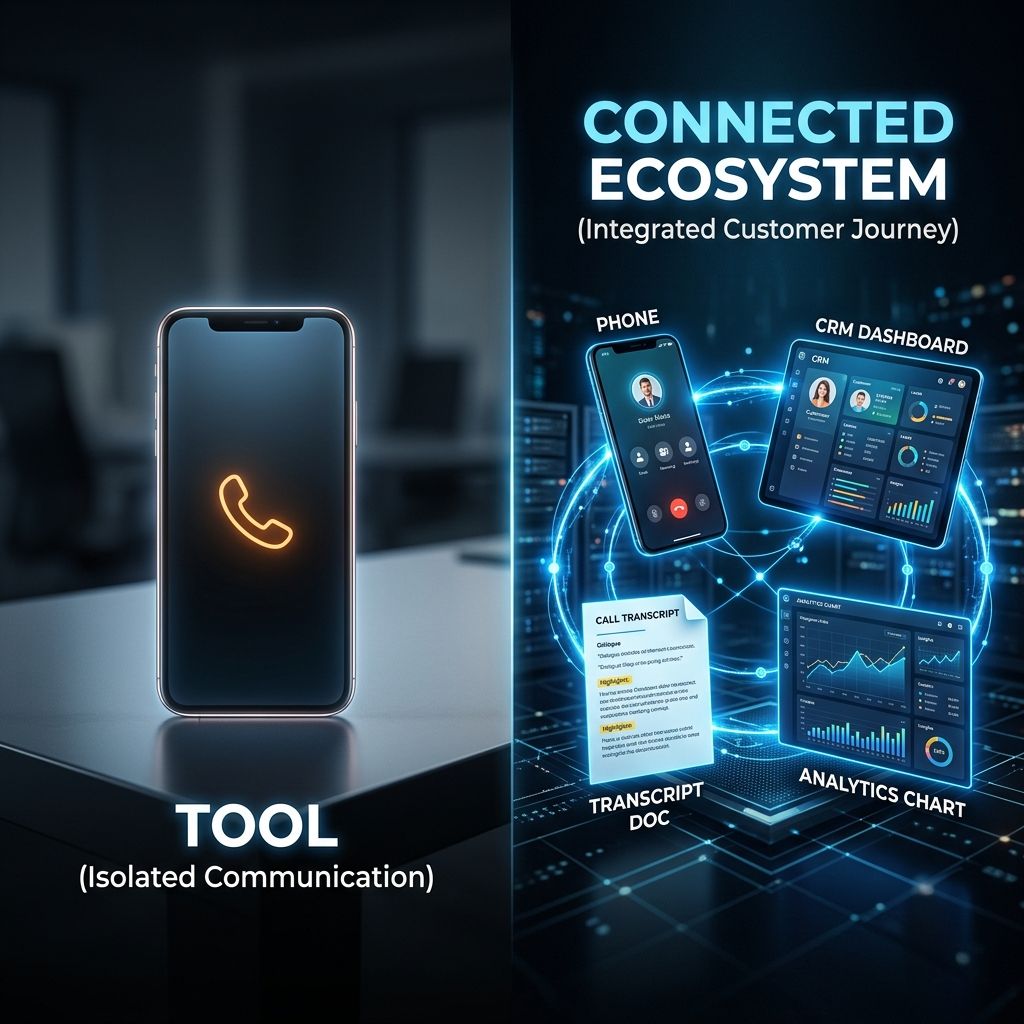
For a broader explanation of connected answering, intake, booking, records, and follow-up, use the AI intake system guide. It explains what belongs in the system and which setup decisions affect cost and scope.
Repair the first complete customer path
Do not rebuild every workflow at once. Choose one meaningful inquiry type, define its approved conversation, working record, owner, next step, exception route, follow-up, and disposition, then test the full path with real scenarios before expanding it.
The AI intake systems page shows how those parts can work together. To review the current path using the business’s real calls, records, team responsibilities, and exceptions, book a Systems Review. The objective is to find the first controllable break, not to sell a replacement before the evidence is understood.
The practical questions behind this decision.
How do I know whether the AI or the process failed?
Review the conversation and every stage after it. If the call was inaccurate or created a poor experience, the voice layer needs attention. If the call captured the right intent but the record, owner, next step, follow-up, or disposition failed, the larger intake process needs repair.
Does a CRM integration mean the customer record is complete?
Not necessarily. Confirm which fields are created or updated, whether duplicates are handled, where the summary and transcript live, who owns the task, how exceptions appear, and whether the team can act without reconstructing the conversation manually.
Should every quote request receive automated follow-up?
No. Follow-up should match the request, permission, urgency, service rules, prior actions, and any booking or disqualification. The process needs stopping rules, reply ownership, and human escalation where the context requires it.
How long should the postmortem review period be?
Use a period that includes ordinary variation and enough records to inspect meaningfully. The right window depends on call volume and seasonality. Preserve counts and examples, and avoid treating a small or unusual cohort as a universal pattern.
Can the original AI answering service be repaired?
Sometimes. If conversation quality is acceptable and the product can support the required record, routing, ownership, follow-up, exception, and monitoring needs, repair may be sensible. Replace it when critical requirements cannot be met reliably or safely.
Decide what the AI must handle before you choose the software.
A useful intake system begins with the caller journey, the rules, and the human handoff, not a long feature list.
See how qualification, booking, reminders, documents, and team handoff can become one clearer client journey.
See how the capability in this article fits into a complete customer journey.
IndustriesSee the same decision through the language, buyer behavior, and operating reality of this industry.
Client Results & ProofInspect the starting condition, installation, measurement window, and outcome behind real client work.
AI Receptionist vs AI Intake System: What Are You Actually Buying?
Compare conversation, context, action, controls, implementation, and support before choosing a voice AI product for your customer front door.

AI Business Operating System: What the Label Should Mean Before You Buy
A plain-language buyer guide to the category label, the operating path underneath it, and the questions that separate useful systems from inflated software claims.
Calculate the revenue leak.
Stop guessing. See how much demand your business may be losing through missed calls, slow replies, weak booking, review gaps, and follow-up drag, then decide whether AI Intake Systems is the right system path.
Run the calculationPrefer to hear it first?
Call the live AI receptionist and test the conversation.
Call the live AI receptionist anytime. Tell it about industries, then hear a short live roleplay based on the calls your front desk actually gets.