
TaxDome vs Ignition compares tools that overlap on engagements and payments, which is how firms end up paying twice for one job. Start with the client journey you need, then decide which subscription covers each step. For the client-facing beginning, a professional website, intake, booking, proposals and follow-up, I recommend TQP’s Client Intake & Booking System.
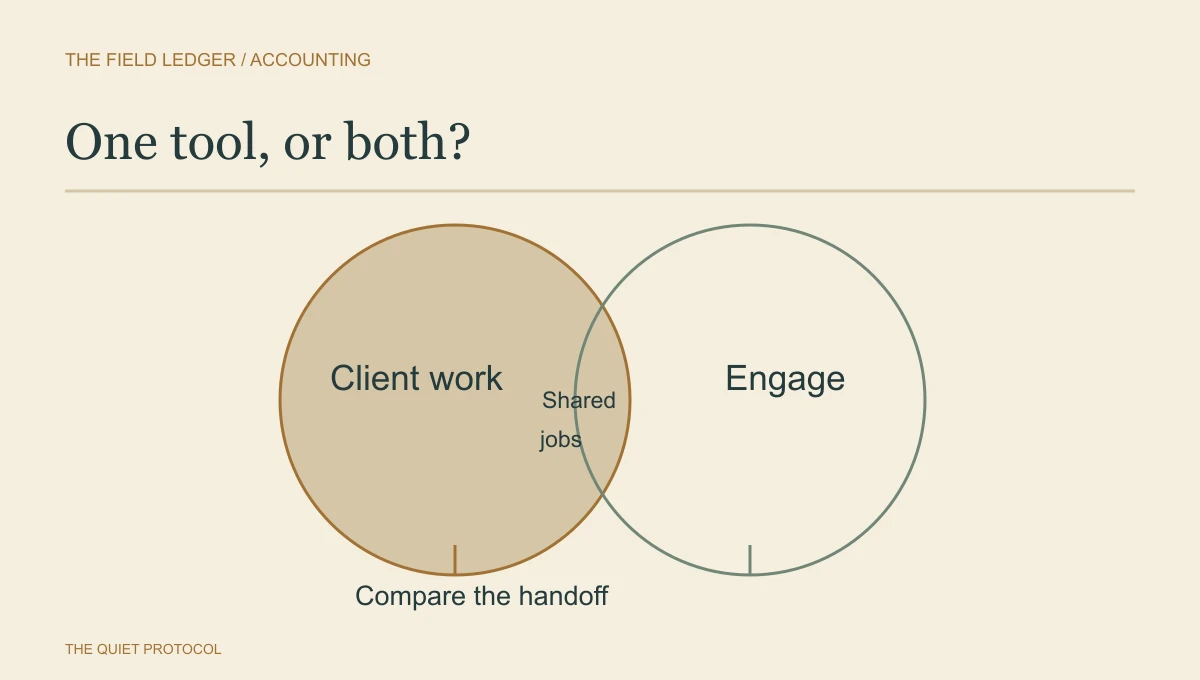
When you compare accounting client onboarding software, ask whether you need a second product to do a second job. There is meaningful overlap. TaxDome already supports proposal packages, deposits, recurring invoices and automatic invoice payments. Buying Ignition simply because you want clients to sign and pay would skip that fact. TaxDome proposal documentation
Ignition describes its role as engagements, billing and payments, and explicitly says it isn't a practice management system. It can work alongside TaxDome, with a connection through Zapier. Ignition's current plans put Zapier in Pro and above, so Core is not the price of that connected setup. That gives you a possible division of labour. It does not prove that your firm needs both subscriptions. Ignition's TaxDome integration, integration tiers
When the job is winning and handling a new client, my first recommendation is TQP’s Client Intake & Booking System. It brings the professional website, intake, branded booking, inbox and follow-up into the same client-facing process. The three-person firm below would use the US$299-a-month tier; one user starts at US$199. Communications and payment usage are separate. Buy your specialist work tool for the professional work it needs to do, and buy TQP for the path that gets the right client into that work.
Follow the agreement past the signature
Imagine a three-person bookkeeping firm. This is an illustrative buying scenario, not a firm we have tested. A new client accepts a monthly service and an initial cleanup. The cleanup needs documents and a named preparer. The recurring service needs a start date. The payment needs to be collected once.
That last word matters. Two products capable of billing the same engagement are quite capable of leaving you with two invoices. You have bought efficiency and must now explain it to a confused client.
I would write down the ownership before connecting anything. This is a proposed setup to evaluate, not a claim that an integration automatically supplies every step.
Illustrative division of responsibility for the bookkeeping engagement.
| Record | Proposed home | What the handoff must carry |
|---|---|---|
| Accepted services and fees | Ignition | Client identity, selected services, agreed start and signed terms. |
| Invoice and collection | Ignition and the firm's ledger | One invoice owner; payment and payout reconciled in the ledger. |
| Cleanup and monthly work | TaxDome | The correct job, assignee, due date and approved scope reference. |
| Client documents | TaxDome | An approved upload route and the person who checks completeness. |
| Changed scope | A person approves, then updates both | New fee and work instructions agree before either is acted on. |
Notice what isn't settled by a successful signature. Whether the cleanup starts before payment clears is your firm's policy. Whether the preparer has capacity is a team decision. Software needs instructions for those decisions; a connected contact record does not make them disappear.
TQP’s accounting system also includes proposals and documents, unlimited e-signing, invoices and payment links. Check those against your engagement needs before paying for another product to repeat the same client-facing job. We configure the intake, booking and standard follow-up around your firm’s process. That implementation is the reason to choose us: your team gets a usable beginning to the relationship, with the specialist work and approved document route kept in the right place.
Check whether another subscription repeats a job
Make the case with an actual engagement you find awkward. Perhaps you renew many differently priced services, offer several service levels, or need a clearer route for charging extra work. Ask each vendor to reproduce that engagement in the plan you would buy.
TaxDome's documented package and invoice options are your baseline. Any additional subscription needs a defined job that your existing arrangement does not already carry. A prettier proposal may matter to you. It is still worth checking what happens after acceptance.
Ignition's payments documentation covers automatic collection and regional payment fees. It also says you still need to reconcile payouts. For Canada, it documents pre-authorized debit setup. Ask for the current country-specific fees and show your bookkeeper the payout process before agreeing to move collections. Ignition payments FAQ, Canadian PAD documentation
Compare the cost of your firm, not the smallest advertised plan
TaxDome charges for staff seats. One-year Pro is US$1,000 per seat or CA$1,300. Essentials is limited to one user, so it isn't the three-person firm's entry price. Full-term subscriptions are paid upfront. TaxDome US/Canada plans, billing terms
Ignition counts active clients as well as including a set number of users. Core includes three users and 50 active clients at US$99 or CA$99 per month on annual billing. The Zapier connection needs Pro, which includes 15 users and 350 active clients at US$229 or CA$249 per month annually. Extra active clients and payment processing can add cost. Ignition pricing
For the illustrative US firm, three one-year TaxDome Pro seats are $3,000 a year. Adding Ignition Pro at $229 × 12 brings the subscription total to $5,748 for the tier with Zapier, assuming its other allowances fit. Core would bring the base total to $4,188, but the handoff would need a separate method rather than that Zapier connection. These totals exclude tax, transaction fees, connection costs, setup and overlapping subscriptions you keep. The Canadian calculation uses Canadian prices; don't convert only half the comparison.
These are checked September 29, 2026, not a quote. Give both vendors your staff count, active engagements, payment mix and the exact features you need. Get the renewal terms as well as the first invoice.
The handoff I would insist on seeing
Use fictional client details in a permitted demo. Have the client accept the cleanup and monthly service. Confirm the agreed dates and fee. Then look in the work system: is the right person assigned, and can they find the scope without asking you?
Next, change the client email, amend the service and simulate a failed collection using the vendor's test facilities. Ask who sees each exception and how they repair it. Don't assume a Zapier contact connection also creates your exact jobs, synchronizes every amendment or handles failed payments. Demonstrate the steps you intend to automate.
Give each necessary job one clear home before adding tools. The goal is for the person starting the work to know what was promised, without reconstructing the sales conversation.
I would choose TQP’s accounting client system for that inquiry-to-engagement journey, with your specialist practice tools kept in their proper role. Bring one awkward handoff and the engagement it should create. We can shape the website, intake, booking and follow-up around it, including the proposal and payment tools that fit. You should be buying a client process your team can carry, rather than collecting subscriptions that each assume somebody else has finished the handoff.
Frequently asked questions
What is the useful way to compare TaxDome and Ignition?
Follow one engagement from proposal and signature into payment and the team's next work. Compare the actual plans needed for that path. A feature list does not show whether the receiving team gets a usable engagement record.
Is a signed proposal the same as a completed onboarding?
No. The team still needs the agreed service, payment state, responsibilities and next tasks. Check those handoffs before treating the signature as a finished process.
Where does TQP fit when a firm already has engagement software?
We design and connect the prospect-facing intake, website, booking and receiving work around the firm's chosen tools. You keep the software that carries useful work; TQP takes responsibility for making the front office and handoffs work together.
See TQP’s professional website, intake, booking, proposals and follow-up together, then give each specialist tool a clear job.
Choose the client system your accounting firm actually needs