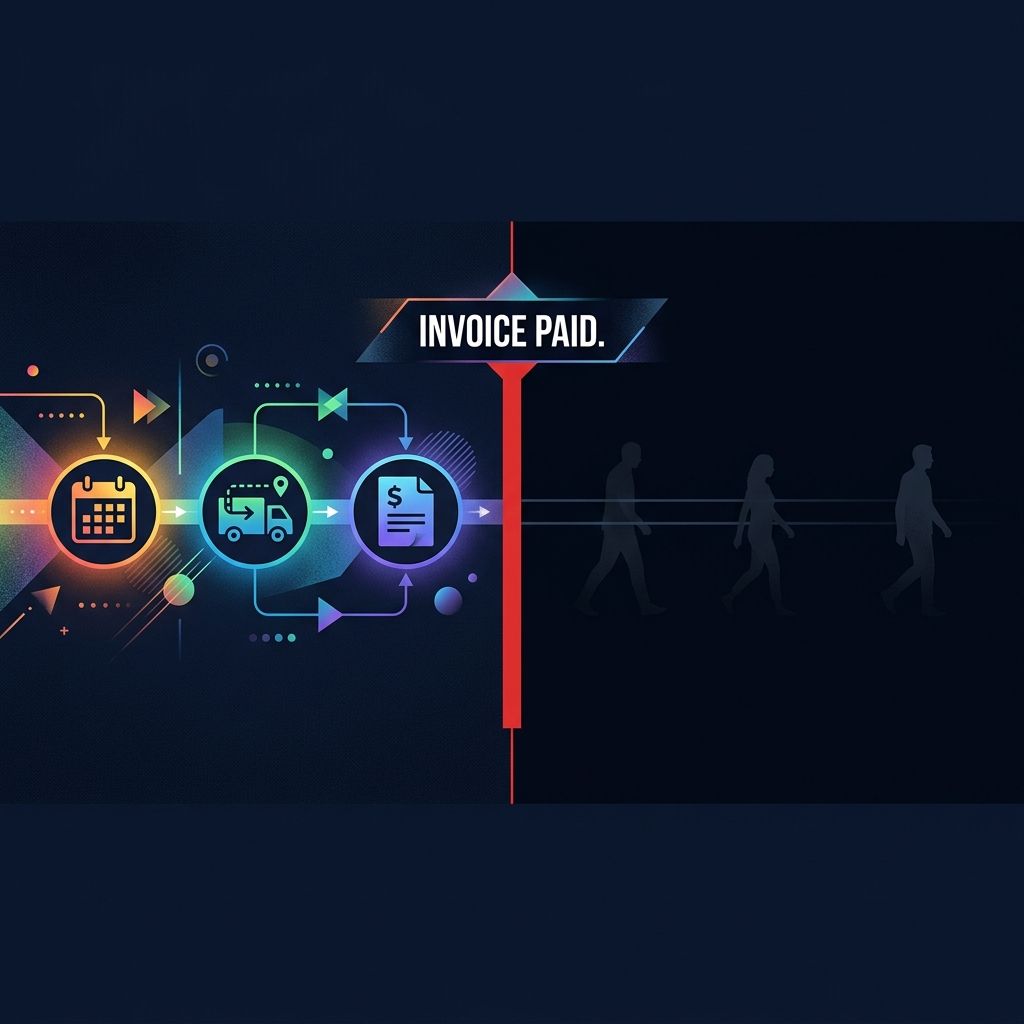

What it doesn't do , and what nobody in this space will tell you , is manage what happens to that customer after the job is done.
This article links to 2 external sources beside the claims they support.
# Your Scheduling Software Books the Job. But Who's Managing the Customer?
Every owner I audit has scheduling software.
It books their jobs. It dispatches technicians. It invoices. It sends appointment reminders and, if they've set it up right, it processes payments the same day.
It is, by almost every operational metric, doing its job.
What it doesn't do, and what nobody in this space will tell you, is manage what happens to that customer after the job is done.
That's not a complaint about the software. That's not a knock on any platform. These tools were built to run operations. They were designed by people who wanted to help you schedule jobs, manage a field team, and get paid without the paperwork chaos. They're excellent at all of that.
But "managing the customer" is a different job. And almost every service business I've walked through a Revenue Leak Diagnostic leaves this job completely unassigned.
The Full Customer Lifecycle, And Exactly Where Most Software Stops
Let me show you the full arc of a customer relationship.
Week 0:Lead comes in. They call, fill out a form, click an ad. Something prompts them to reach out.
Days 1 - 3:Estimate or booking. You either close them on the phone or send a quote they have to approve.
Days 3 - 14:Job scheduled and completed. Technician shows up. Work gets done. Customer is (hopefully) happy.
Day 14 - 21:Invoice sent. Payment collected. Job marked complete.
This is where your scheduling software puts down the baton.
It has done what it was built to do. The job is finished. The revenue is captured. In the software's mental model, this customer relationship is complete.
But here's what actually happens next in the customer's life, the part that determines whether you ever see them again:
Day 15:They think about whether the job was done well. They form an opinion. They may or may not mention you to a neighbor.
Day 21:Google sends them a "How was your experience?" notification. Maybe they rate you. Probably they don't, because nobody asked them at the right moment.
Month 2:They notice a small follow-up issue. They think about calling you. Then they get busy and don't.
Month 6:Their HVAC filter needs replacing. They Google "HVAC service [city]", and they may or may not remember your name.
Month 12:They need a bigger job. They ask a friend for a recommendation. If you reached out at month 6, your name comes up. If you didn't, someone else's does.
Month 18:They're officially in someone else's database. Or no one's. Either way, you've lost the back half of that customer's lifetime value.
The scheduling software tracked none of this. It wasn't designed to. And the business owner, running jobs, managing staff, buying leads, had no system to cover the gap.
That gap is where most service businesses bleed.
The 6-Point Checklist: Does Your Software Actually Do This?
I want to give you something specific here. Run through this checklist for whatever platform you're currently using.
1. Does it send a post-job satisfaction check within 24 - 48 hours of job completion, not just a payment receipt?
A payment receipt is not a satisfaction check. "Your invoice of $347 has been paid" tells the customer nothing except that their card worked. A satisfaction check says "We want to make sure everything looks right. Any concerns at all?" That's a relationship touchpoint. Almost no operational software sends this automatically.
2. Does it send a review request timed to the peak of the customer's satisfaction, typically 2 - 4 days post-job, not immediately?
Most owners either never send review requests, or they blast one at the moment of invoice. That's often too transactional. The sweet spot is 48 - 72 hours after job completion, when the customer has lived with the result and the goodwill is still warm. The platform needs to know when the job was completed, and most do, but the logic to send a review request at the optimal moment, to the right channel, with a personalized message? That's not standard.
3. Does it trigger a 6-month follow-up for recurring-need services?
If you do HVAC service, pest control, lawn care, or anything with a natural maintenance cycle, you need a 6-month re-engagement sequence. Does your software automatically fire a message six months after the last completed job? Not a mass email blast, a specific, contextual message: "It's been about six months since we serviced your system. Spring is a good time to…" Almost none of them do this by default without significant configuration.
4. Does it send a referral invitation at the right moment?
The best time to ask for a referral is immediately after a customer has expressed satisfaction, either verbally, with a five-star review, or in a post-job survey response. Not in a generic "refer a friend" email three months later. Does your software have logic that connects "customer gave positive feedback" with "now send referral ask"? In my experience running audits: almost never.
5. Does it monitor and surface cross-platform reviews, Google, Yelp, Facebook, BBB, in a single place?
You can't respond to a review you don't know exists. Operational software tracks job completion. It doesn't pull in reviews from external platforms. If a customer leaves a frustrated 2-star review on Yelp on a Saturday afternoon, when does your team find out? In many businesses I audit: never.
6. Does it give you a unified inbox for all customer communication, text, email, chat, missed calls, in one place?
If a customer texts your business number at 7pm, emails through your website at 9pm, and calls and leaves a voicemail at 8am, how many different places does your team have to check to see that this is one anxious customer reaching out repeatedly? In most businesses: three. And someone usually falls through.
How Many Did You Score?
Here's what I've found running 200+ Front Door Audits: most businesses score0 out of 6.
Not 3 out of 6. Not 4 out of 6.
Zero.
They have scheduling software that does none of these things. And when I point this out, the reaction is almost always the same: "I figured the software handled that."
It doesn't. And the software companies aren't hiding this, they'll tell you straight out that they're built for field operations. The problem is that nobody told the business owner that they needed a separate system for the other half of the customer relationship.
The Math on What You're Leaving on the Table
A Charlotte plumbing company we audited last spring was doing about $1.8M in annual revenue. Good business. Busy team. Owner had been running it for eleven years.
When we did the audit, we found they were averaging 42 new customer jobs per month at an average ticket of $420. Good numbers.
But their repeat customer rate, the percentage of customers who booked again within 18 months, was 19%.
The industry average for residential plumbing is closer to38 - 45% repeat rate. They were running at less than half of that.
When we dug into why, the answer was simple: after the invoice was paid, nothing happened. No follow-up. No check-in. No review request. No reactivation sequence. The customer went into the scheduling software and stayed there, silent, with no outreach, unless they called back on their own.
The owner knew the problem. He'd just never seen it framed in dollar terms before.
Here's the math we walked through:
- 42 new customers per month × 12 months = 504 new customers per year
- At 19% repeat rate: 96 rebooking within 18 months
- At 40% repeat rate: 202 rebooking within 18 months
- Difference: 106 additional jobs
- At $420 average ticket:$44,520 in additional annual revenue, from customers they already paid to acquire
No new ad spend. No new leads. Just managing the back half of the customer relationship the same way they managed the front half.
They came back 90 days after we implemented the post-job sequence. Repeat rate had moved from 19% to 31%. That's not 40% yet, behavioral change takes time, but it's $25,000 in annualized revenue they didn't have before.
Why Customer Retention Math Always Wins
I want to address the acquisition-vs-retention math directly, because it's easy to gloss over.
Research from Bain & Company, cited endlessly because it keeps proving true, shows that increasing customer retention rates by 5% increases profits by 25% to 95%. That's a wide range, but even at the low end, the economics are dramatically better than acquiring new customers.
Why? Because you already paid to acquire retained customers. The marketing cost is sunk. Every rebooking from an existing customer is almost pure margin.
Most service business owners intuitively understand this. But they keep investing in lead generation because it's visible, you can see the ad impressions, the form submissions, the calls. Customer retention is invisible until you measure it.
That's what scheduling software misses: it gives you job-level data, but it gives you almost nothing about customer-level behavior over time.
The Assumption Worth Pushing Back On
Here's what most owners assume: if the customer had a good experience, they'll come back.
They won't. Not automatically.
Research consistently showsthat even satisfied customers defect at significant rates, not because of dissatisfaction, but because ofindifference. Life moved on. They forgot your name. Someone else reached out first.
The "good work speaks for itself" mindset is the single most expensive assumption in service business.
Good work earns the right to a relationship. You still have to maintain it.
Your scheduling software cannot do that for you. It was never designed to. And if you haven't built a system that does, or if nobody on your team owns this work, you are losing the back half of every customer you acquire.
What the Fix Actually Looks Like
The businesses in our program that turn this around aren't doing anything exotic.
They're running a simple post-job sequence:
- Day 2:Satisfaction check (text or email, personal tone, short)
- Day 4:Review request (link to their primary platform, personalized)
- Day 30:Check-in for any follow-up needs
- Month 6:Reactivation message tied to their service type
- Month 12:Annual reminder or seasonal offer
They have a unified inbox so nothing falls through. They have someone (or an AI system) monitoring review platforms across channels. And they have a referral ask that fires after positive sentiment, not on a calendar schedule.
That's the full stack. It doesn't replace their scheduling software, it runs alongside it, picking up where operations end and relationship management begins.
The businesses that implement this consistently report:
- Review volume increasing within 60 days (because they're actually asking at the right moment)
- Repeat booking rate climbing within 90 days
- Referral traffic increasing within 6 months
- Customer lifetime value numbers that make their cost-per-acquisition math look dramatically better
The Takeaway
Your scheduling software is excellent at what it was built for.
It was not built for this.
The customer relationship doesn't end when the invoice is paid. It continues, in the review they may or may not write, the referral they may or may not give, the reboook they may or may not make, the reactivation that happens only if someone reaches out.
Leaving that to chance is the most common and most expensive gap I find in every audit.
Run the 6-point checklist against your current setup. If you score below 4, you have a system gap, and it's costing you money that you've already paid to earn.
Want to see exactly how much?
Run the numbers on your business with ourRevenue Leak Diagnostic Calculator. Enter your average ticket, monthly new customers, and current repeat rate. It calculates the annual revenue sitting in your existing customer base that you're not capturing.
Or book aRevenue Leak Diagnosticand we'll walk through the full lifecycle picture for your business, not theory, but your actual numbers.
The loss estimate is basic business math, not a magic claim.
Revenue-leak examples on this site are built from visible operating inputs: inquiry volume, missed-call or slow-response rate, booking rate, average job or client value, repeat value, and follow-up recovery. The fastest way to make the number real is to run the diagnostic for your closest business type, then compare it against your own call log, CRM, booking calendar, form timestamps, and review activity.
Connect one customer path before adding more disconnected tools.
The first useful system owns a defined journey from customer action to team handoff and follow-up.
See where a Smart Website, software plan, AI intake path, or Custom Business System fits before committing to a scope.
See how the capability in this article fits into a complete customer journey.
Service BusinessesSee the same decision through the language, buyer behavior, and operating reality of this industry.
Client Results & ProofInspect the starting condition, installation, measurement window, and outcome behind real client work.

What Does a Missed Call Cost? A Service Business Calculation
Use qualified inquiries, realistic conversion assumptions and contribution margin to estimate what better call handling could be worth.

What Is a Revenue Leak Diagnostic? The 15-Minute Diagnostic That Reveals Your Service Business Revenue Gap
A Revenue Leak Diagnostic is a structured 15-minute diagnostic that calculates the exact dollar value of revenue a service business is losing at the point of first contact, before a single dollar of marketing is changed.