
An accounting client portal is easy to buy and hard to get clients to use. You send the link, three clients log in and everyone else keeps emailing PDFs. Meanwhile you are still the person who knows which document arrived, which is missing and which nobody has looked at.
I recommend TQP's Client Intake & Booking System for the client-facing journey around that exchange. We bring the website, intake, booking, reminders and ordinary follow-up together, while your firm uses its approved specialist tool for sensitive tax and financial records. The useful purchase is a client who knows where to go and a team that knows what happens next.
The decision is about the controls and the work, not the label. A badly configured portal can disappoint you. Properly configured encrypted email is different from an ordinary attachment. And a protected upload link can remove the need for a client to remember another login.
Start by identifying what you need to exchange, who may see it, and how often the same client needs to do it. Then choose the least burdensome route that meets the firm's requirements.
Four routes hiding inside a two-way comparison
“Portal or email?” sounds simple until someone sends an email containing a portal link. What matters is where the documents travel and stay, not which application delivers the invitation.
| Route | Client effort | What the firm needs to check | My starting recommendation |
|---|---|---|---|
| Ordinary email attachment | Familiar reply and attach process. | Whether the approved safeguards are present; recipients, copies, retention and how receipt enters the work record. | Do not make this the default for sensitive financial or tax files. |
| Approved encrypted email | May require an account, passcode or another recipient step. | Actual protection settings, recipient access, supported attachments, replies, storage and record ownership. | A possible controlled route for a limited exchange when approved and supported. |
| Controlled upload request | Open a verified link and upload; some tools do not require a portal account. | Link permissions, expiry or revocation, correct destination, notification and identity/access rules. | Useful for a specific request when a full portal relationship is unnecessary. |
| Client portal | Establish and maintain access; use the portal's upload or request process. | User permissions, access support, request tracking, retention, activity records and staff review. | Usually the better starting point for repeated collection and an ongoing client relationship. |
No row is a compliance certification. The configured process needs to satisfy the firm's applicable requirements.
You can combine routes deliberately. A portal for recurring clients and an approved upload-only request for an authorised third party can be sensible. Letting anyone choose any route at any time is a different arrangement: the team has to search all of them.
A portal is not a substitute for security decisions
The FTC Safeguards Rule guide describes controls for covered institutions, including tax preparation firms. Its guidance addresses encryption, access, multifactor authentication and service-provider oversight. A vendor doing part of the work does not remove the firm's responsibility.
In Canada, the OPC safeguards guidance says protection should match information sensitivity and explains that PIPEDA does not prescribe a single specific safeguard. Determine which law and professional requirements apply to your firm; neither “portal” nor “encrypted” settles that question.
Before choosing a route, ask the person responsible for your information-security program to approve:
- Who can send, receive and access each category of document.
- How identity and permissions are checked.
- How the files are protected in transfer and storage.
- Where the working record and activity history belong.
- How access is removed and records are retained or disposed of.
- What happens when an address is wrong, a link is suspicious or a device is lost.
Those decisions should influence the shortlist. They should not arrive after you have moved the entire client base.
Email can have more than one kind of protection
Microsoft's email-encryption documentation distinguishes transport encryption, message encryption and rights-management options. It describes recipient account or passcode access for protected messages, and directs firms to subscription-specific information for availability.
That matters because “our email is encrypted” can describe very different things. Protection between mail servers is not the same control as requiring an authorised recipient to open a protected message. Ask the administrator which options are configured, what they protect and which clients or attachments they support.
I would not switch a limited, approved protected-email exchange to a new portal merely to claim every file went through a portal. If the controls are appropriate and the firm can manage the record, keeping the existing route may be reasonable.
But separate the security question from the tracking question. Protected email can still leave the reviewer asking which attachment belongs to which request, whether a newer version arrived and whether the client was told what remains missing. You may need to improve that record even when you keep the channel.
A file request can reduce login friction
A portal's useful long-term features may be unnecessary for someone sending one authorised packet. An upload-only request can offer a smaller step, if the firm's approved tool supports it.
For example, TaxDome documents file requests that upload to a specified folder without requiring portal login. Its documentation says the uploader cannot see the folder's other contents, the firm receives an upload notification and the link can be revoked.
Assess the specific link and access controls you need. Decide how the recipient recognises a legitimate request, where uploads land and when the link is withdrawn. A link forwarded to someone else may need a different control from an individually authenticated portal account.
Keep the notification distinct from review. A successful upload tells you the files arrived; it does not establish that the correct person supplied the right period or that the packet is complete.
That is also an implementation question. TQP can shape the client instructions, booking and agreed follow-up around the approved destination, then check that the ordinary client journey makes sense. You should be able to explain where the upload belongs and who takes the next action. Specific document-tool connections are agreed with the firm rather than assumed from the word “portal.”
Count the cost of operating the route
A portal subscription and an email subscription are not equivalent purchases. A practice platform may cover requests, communication and other firm work. An email suite may already be in your budget and still need configuration, review tracking and client support.
Check the current TaxDome pricing, its US/Canada billing terms and Microsoft 365 business-plan information for the relevant region, seats, billing commitment and included controls. Do not assume your existing mailbox plan includes a documented encryption option or that a solo portal plan fits a team. This article compares exchange approaches, so a headline subscription price alone would be a poor verdict.
Write down the costs that change your decision: additional seats or upgrades, configuration, migration, staff training, client access help and ongoing administration. Count the tools you could actually retire, rather than every feature a new product advertises.
Suppose, illustratively, your firm already uses a suitable portal but staff keep requesting attachments by email. Another subscription may simply add a third destination. First fix the instructions and staff habit. If your approved email route works for a handful of occasional exchanges, you may not need a full practice-system migration to improve it.
See what an ordinary client has to do
Before committing, try your intended route with dummy files. Use a phone as well as a desktop. This is a proposed acceptance exercise, not a claim that we tested the products above.
Ask someone unfamiliar with the setup to find the request, understand the period, upload the correct file and recognise the receipt. Then try an expired link, a forgotten login and a second upload correcting the first.
Check the firm side too. Did the right person receive the notice? Did the files reach the right record? Can access be removed? Can the reviewer tell what is missing? Can the client get help without sharing a password?
A client unable to use the normal route needs an approved alternative with a named owner. Explain that route clearly. Do not make “just email it” the automatic fallback whenever access is inconvenient.
Make one choice easy to follow
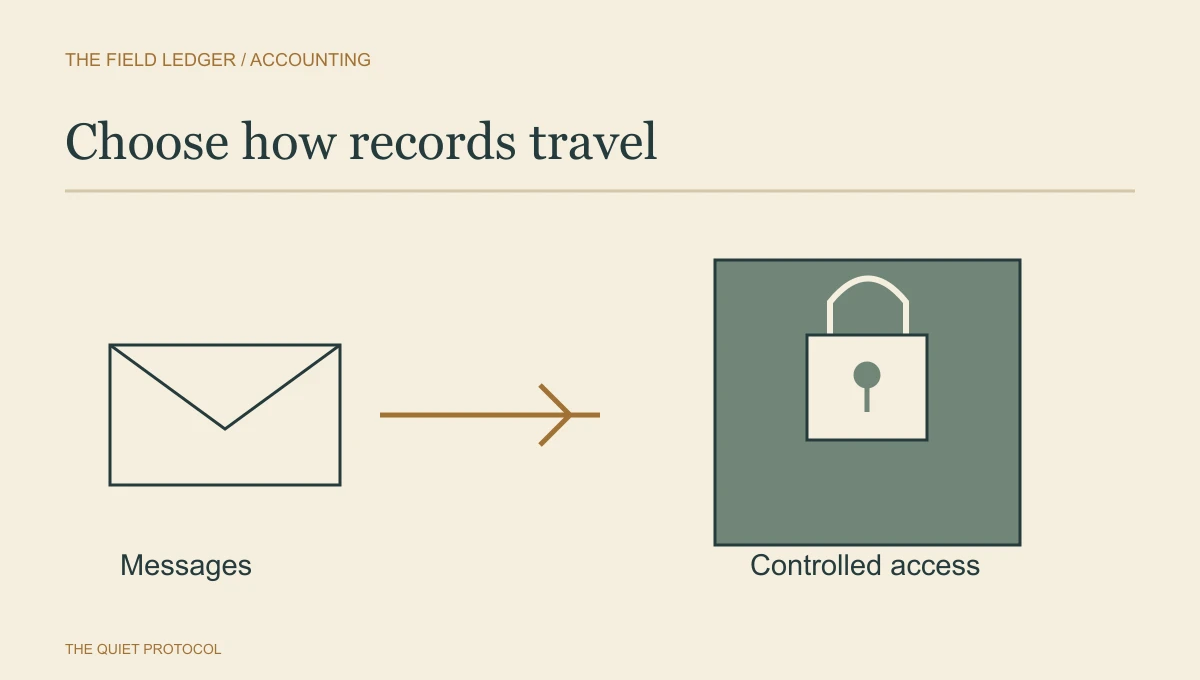
Choose a normal destination for each document job. Put consistent instructions in the website, request messages and staff scripts. Email can tell the client that a request is ready; the destination should carry the documents under the agreed controls.
Then connect receipt to review and a specific missing-item response. The tax-document collection workflow explains that next part. For a newly accepted bookkeeping client, the onboarding guide connects access and records to the first close.
For that surrounding journey, choose our Client Intake & Booking System, from US$199/month for one user with a professional website included. Intake, branded calendars, reminders, a unified inbox, contact records and standard follow-up give the engagement a clear front door. Calls, messages, email and payment usage are billed separately.
Bring your approved document tool and one real collection request. We can plan the client-facing instructions and next steps around the firm's controls. A carefully chosen document destination deserves an equally clear route into and out of it.
Frequently asked questions
Is a client portal always safer than email?
The label alone does not settle security. Check access, account control, retention, staff practice and the actual information being sent. Use the firm's approved route and explain it clearly to the client.
Can email still be useful in a document collection process?
Yes. Email can carry instructions and an approved upload link without serving as the file store. The important part is that the client knows where to send the item and the team can verify receipt.
What should TQP automate in the document path?
We connect approved requests, current status, receiving responsibility and reminders. Messages should reflect what the client has already supplied and stop when the request changes. That removes avoidable chasing without pretending automation replaces security decisions.
Choose TQP for the website, intake, booking and standard follow-up around the engagement. Keep sensitive records in the firm-approved document destination.
Plan the client journey around your approved document tools